Office Chair Setup for Comfort: A Step-by-Step Guide

Setting up your office chair for comfort is essential, especially if you spend long hours working at a desk. A proper chair setup can alleviate back pain, improve posture, and enhance productivity. In today's fast-paced world, where remote work is becoming increasingly common, having a comfortable and ergonomically supportive chair is more important than ever. This guide will walk you through the steps to adjust your office chair for maximum comfort and ergonomic support, helping you create a workspace that promotes health and efficiency.
Understanding Ergonomic Chair Features
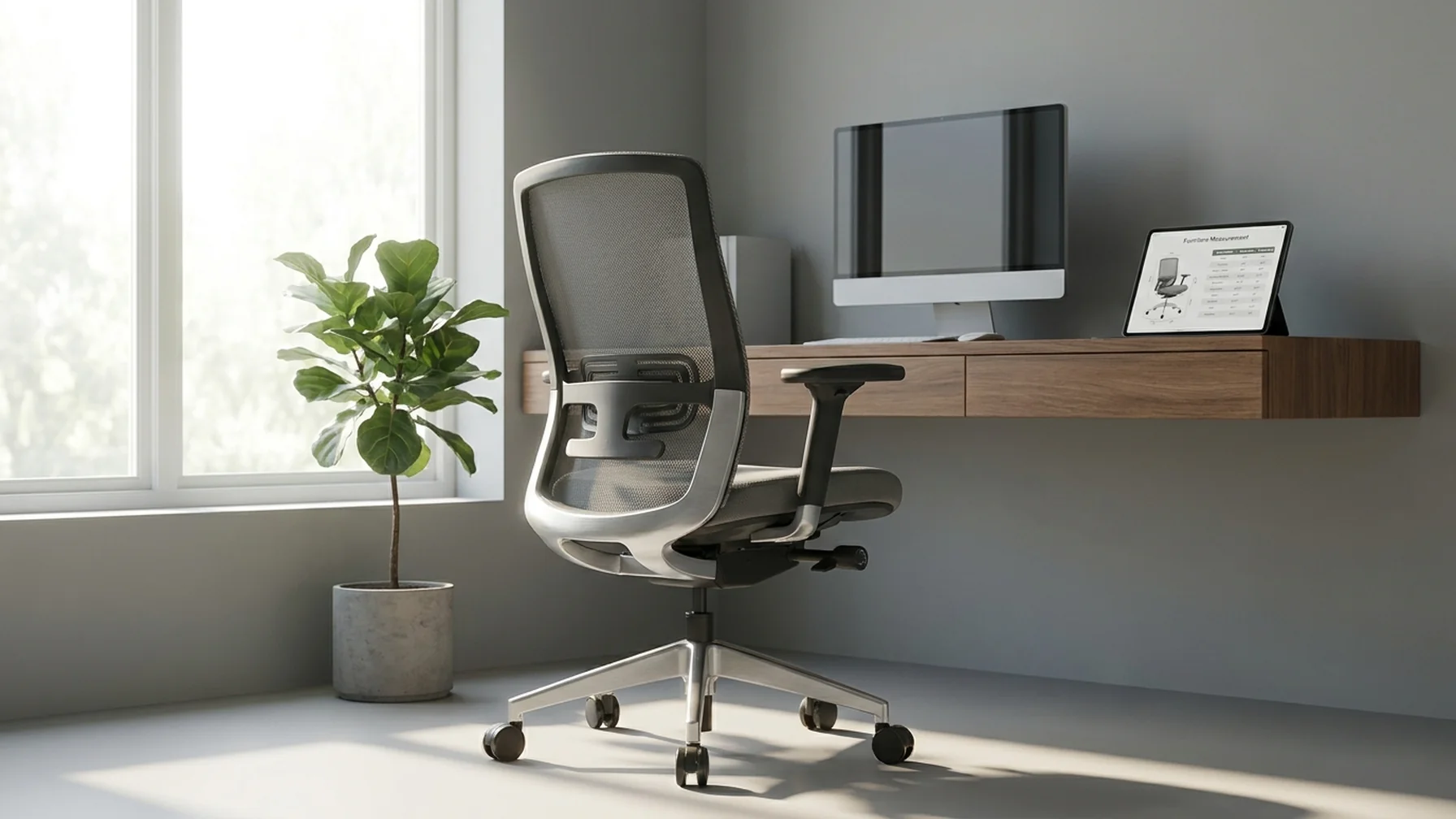
An ergonomic chair is designed to support your body in a neutral position, reducing stress on your muscles and joints. Key features include adjustable height, lumbar support, and a reclining backrest. Understanding these features helps you make the most of your chair setup. Imagine a scenario where you're working on a tight deadline; having a chair that supports your posture can make a significant difference in both your physical comfort and mental focus.
- Height Adjustment: Allows your feet to rest flat on the floor, reducing pressure on your knees and lower back.
- Lumbar Support: Supports the natural curve of your spine, helping to prevent lower back pain.
- Reclining Backrest: Enables you to lean back slightly, which can alleviate pressure on your spine.
Using these features correctly can transform your office chair into a comfortable and supportive seating solution. For instance, adjusting the height so your feet rest flat can prevent circulation issues and discomfort during long work sessions.
Steps to Set Up Your Office Chair for Comfort
Follow these steps to ensure your office chair is set up correctly for comfort and ergonomics. Picture a typical workday: by setting up your chair correctly, you reduce the risk of strain and fatigue, enabling you to maintain focus throughout the day.
- Adjust the Seat Height: Sit with your feet flat on the floor. Your knees should be at a 90-degree angle and aligned with your hips.
- Set the Seat Depth: There should be about 2-3 inches between the edge of the seat and the back of your knees.
- Position the Lumbar Support: Align the lumbar support with the natural curve of your lower back.
- Adjust the Backrest Angle: Tilt the backrest slightly to allow a comfortable recline, taking pressure off your lower spine.
- Align Armrests: Set the armrests so your arms rest comfortably at a 90-degree angle while typing.
By following these steps, you can create a seating arrangement that reduces discomfort and promotes better posture. Imagine the difference in productivity and comfort during a long video call when your chair is properly set up.
Choosing Between Office Chair and Gaming Chair
Both office and gaming chairs offer different benefits. Office chairs typically focus on ergonomics and support, while gaming chairs often prioritize style and adjustability. Consider your priorities when choosing between the two. For example, a graphic designer who spends hours editing in front of a screen might find a gaming chair's adjustability beneficial. On the other hand, an accountant might benefit more from the ergonomic support of a traditional office chair.
If you need a chair primarily for work, an ergonomic office chair is likely the best choice. For those who game extensively, a gaming chair might provide the needed comfort for longer sessions. The choice depends on your specific needs, so consider what activities you primarily use the chair for.
Recliner vs. Office Chair for Back Support
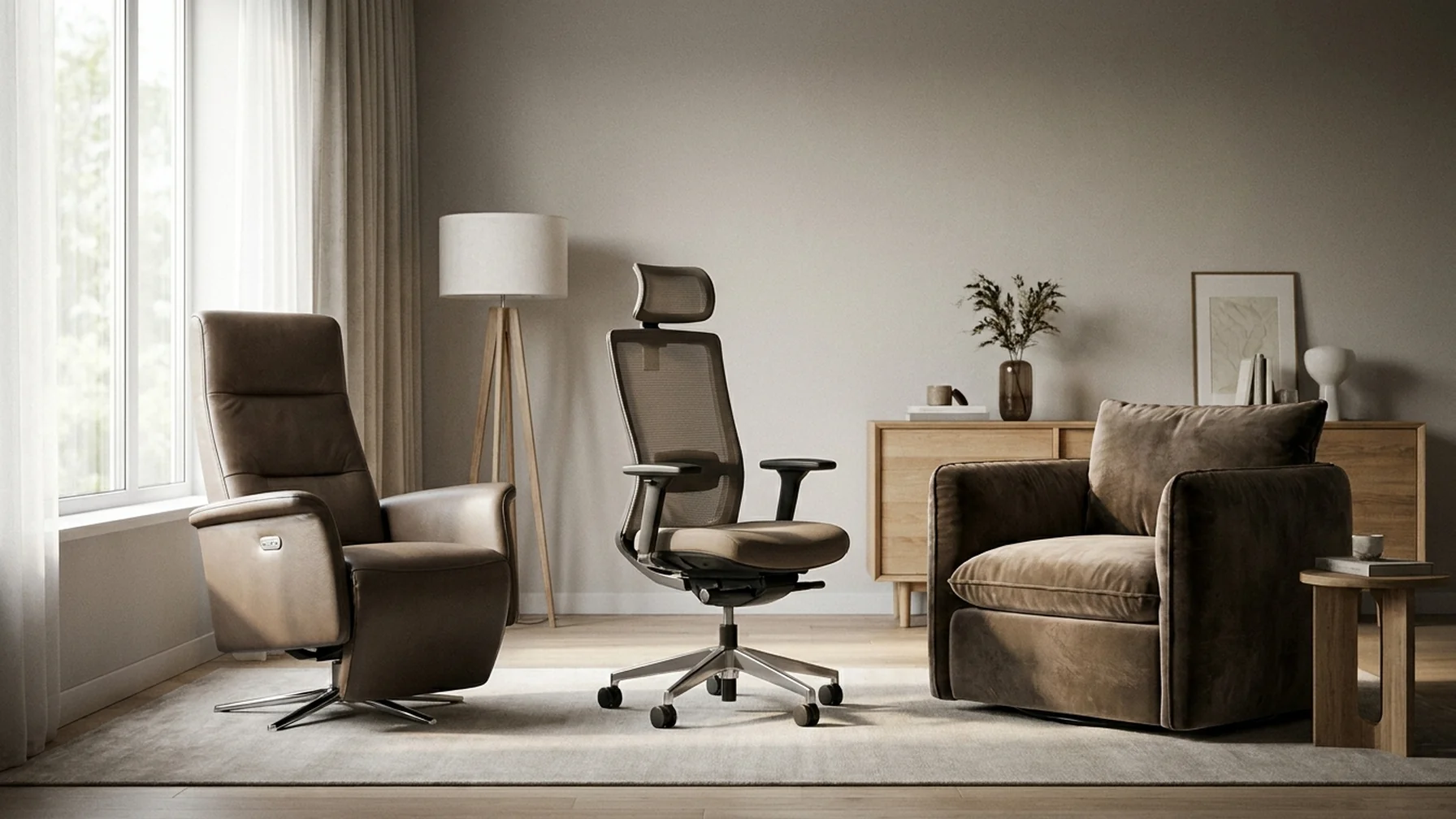
Recliners can be comfortable for lounging but may not provide adequate support for work tasks. Office chairs are designed to support your back during extended periods of sitting. If you need a chair for work, invest in a quality office chair with proper lumbar support. For instance, a recliner might be perfect for relaxing with a book, but an office chair is better suited for maintaining focus and comfort during work.
How to Maintain Your Office Chair
To prolong the life of your office chair, regular maintenance is key. This includes cleaning, checking for wear and tear, and tightening any loose screws. Consider the material of your chair for specific cleaning instructions. Mesh chairs, for example, require different care than leather ones. Regular maintenance not only extends the chair's life but also ensures it remains comfortable and supportive. Imagine the frustration of a wobbly chair during an important meeting—regular checks can prevent such nuisances.
By maintaining your chair, you ensure it remains comfortable and supportive for years to come.
Signs You Need a New Office Chair
Even with proper setup and maintenance, chairs can wear out. Common signs you need a new office chair include persistent discomfort, visible damage, squeaking noises, or if it no longer supports your body properly. Investing in a new chair can vastly improve your comfort and productivity. Picture the difference a new chair can make after months of dealing with a squeaky, uncomfortable setup.
Choosing and setting up the right office chair is crucial for comfort. By understanding ergonomic features and following these setup steps, you can create a work environment that supports your health and productivity.
Comparison Table: Office vs. Gaming Chairs
This table highlights key differences between office and gaming chairs, helping you decide which might be better for your needs.
| Feature | Office Chair | Gaming Chair |
|---|---|---|
| Design | Classic, professional | Sleek, modern |
| Ergonomics | High focus on ergonomics | Moderate ergonomics |
| Adjustability | Basic adjustments | Multiple adjustments |
| Cost | Varies, usually moderate | Varies, often higher |
| Use Case | Office work | Gaming and multimedia |
Understanding these differences can guide you in making a choice that perfectly fits your lifestyle and work demands. For instance, if you switch between work and play, a gaming chair might offer the flexibility you need.
Common Mistakes in Office Chair Setup
Setting up your office chair might seem straightforward, but there are common mistakes that can lead to discomfort. For example, setting the chair too high can cause pressure on the back of your knees, leading to poor circulation. Not aligning the lumbar support correctly can result in lower back pain. Another mistake is ignoring the armrest adjustment, which can cause strain on your shoulders and arms. To avoid these issues, ensure each adjustment is tailored to your body's needs, and revisit them periodically as your posture and work habits evolve.
By avoiding these common pitfalls, you ensure that your office chair setup truly supports your body, enhancing comfort and productivity.