Desk Chair Measurement Guide: Choosing the Perfect Fit for Comfort and Ergonomics
Finding the right desk chair involves more than just picking a style that suits your taste. Comfort and ergonomics play a crucial role, especially if you spend long hours seated. This desk chair measurement guide will help you understand how to select the perfect chair based on your needs, ensuring a comfortable and healthy seating experience.
Understanding Key Measurements for Desk Chairs
Before investing in a desk chair, it's essential to understand the key measurements that affect comfort and ergonomics. These measurements determine how well a chair will fit your body and desk setup.
- Seat Height: The height from the floor to the top of the seat. Ideal seat height allows your feet to rest flat on the floor.
- Seat Depth: The distance from the front of the seat to the backrest. Proper seat depth supports the thighs without pressure behind the knees.
- Backrest Height: The height of the backrest should support your back's natural curve, especially the lumbar region.
- Armrest Height: Armrests should allow your arms to rest comfortably with shoulders relaxed.
Understanding these measurements will help you choose a chair that fits your body and workspace, providing the support needed to maintain good posture.
How to Measure a Chair for Your Desk
Measuring your chair correctly ensures it fits well with your desk and supports a healthy posture. Follow these steps to measure your chair effectively:
- Measure Seat Height: Adjust the chair so that your feet are flat on the floor and your knees are at a 90-degree angle. Measure from the floor to the top of the seat.
- Check Seat Depth: Sit back in the chair and measure the distance from the back to the front edge of the seat. Ensure a two-finger space between the seat and the back of your knees.
- Assess Backrest Height: Measure from the seat to the top of the backrest. It should support your lower back and reach the shoulder blades.
- Evaluate Armrest Height: Sit with arms resting on the armrests. Measure from the seat to the top of the armrest, ensuring your arms are at a comfortable angle.
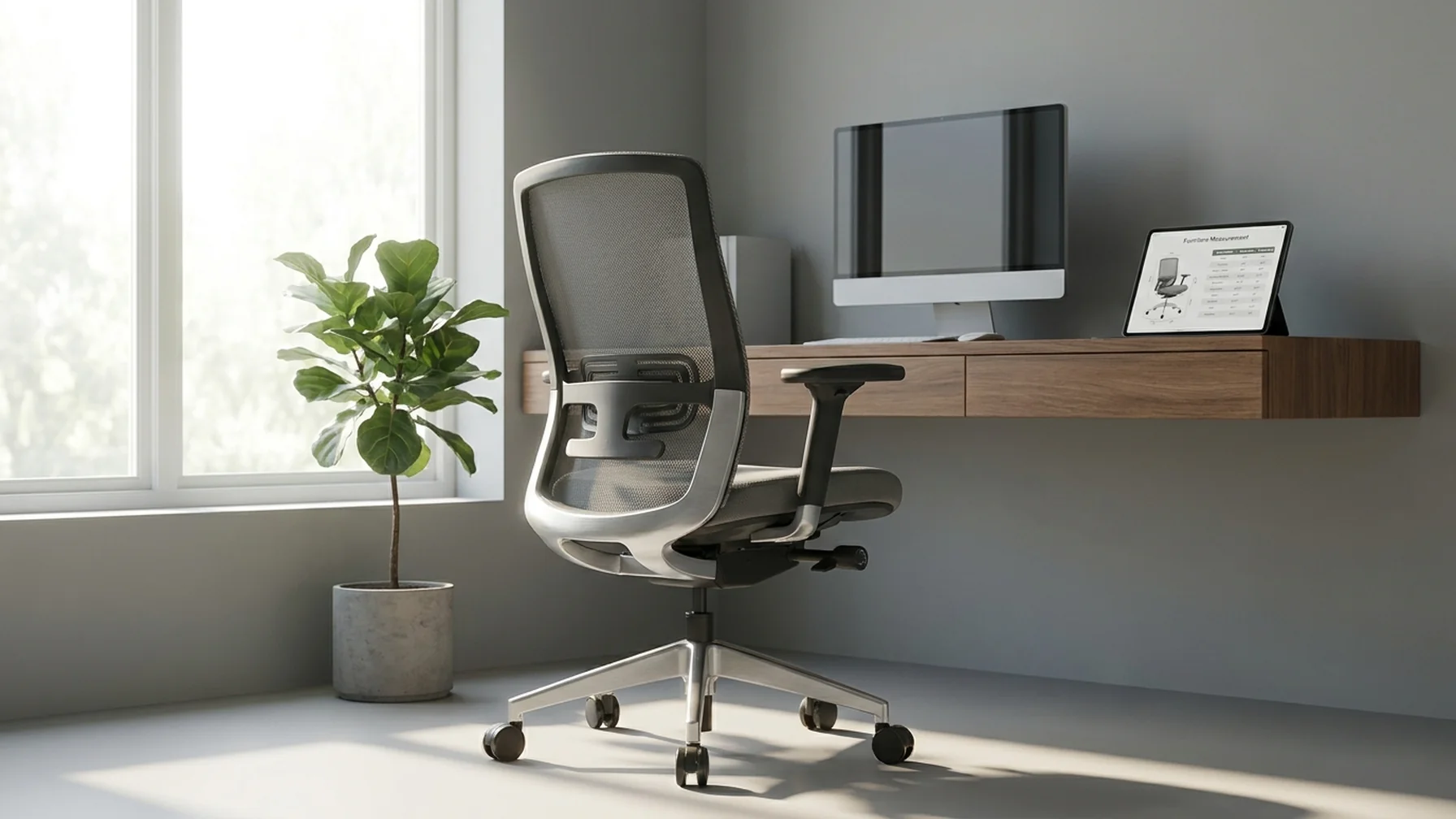
To help visualize these measurements, refer to the table below:
Chair Measurement Guide
| Measurement | Description |
|---|---|
| Seat Height | Measure from floor to the top of the seat with feet flat on the floor |
| Seat Depth | Distance from back to front edge; leave a two-finger gap behind knees |
| Backrest Height | Measure from seat to the top of backrest; should support to shoulder blades |
| Armrest Height | From seat to top of armrest; arms should rest comfortably |
These measurements will help you adjust your chair to fit your desk setup, promoting comfort and reducing strain on your body during long working hours.
Choosing an Ergonomic Chair
An ergonomic chair supports your body, reduces discomfort, and prevents long-term health issues. Here's what to look for when selecting an ergonomic chair:
- Adjustability: Look for chairs with adjustable seat height, backrest angle, and armrests to customize the fit.
- Lumbar Support: A good ergonomic chair should have proper lumbar support to maintain the natural curve of your spine.
- Material: Choose breathable materials like mesh for comfort during prolonged sitting.
- Swivel Base: A swivel base allows for easy movement and reduces strain when reaching for items on your desk.
Investing in an ergonomic chair can significantly improve your comfort and health, especially if you spend significant time working at a desk.
Office Chair vs. Gaming Chair
When choosing between an office chair and a gaming chair, consider your primary use. Office chairs are generally designed for prolonged work, focusing on ergonomic support and adjustability. Gaming chairs, while often more visually appealing, may prioritize style over ergonomics.
If you need a chair for work, prioritize an office chair with adjustable features. However, if gaming is your primary activity, ensure the gaming chair also offers adequate support and comfort for extended sessions.
Signs You Need a New Office Chair
Over time, even the best office chairs can wear out. Here are signs it might be time to replace your chair:
- Worn Padding: If the padding is worn out, causing discomfort or pain, it's time for a new chair.
- Broken Adjustments: Non-functioning adjustment mechanisms can hinder proper posture.
- Squeaking or Unstable: A chair that squeaks or feels unstable can distract and pose safety risks.
Regularly assessing your chair's condition ensures you maintain a comfortable and ergonomic workspace.
Best Chairs for Specific Needs
Different individuals have varying needs based on their body types and health concerns. Here are some recommendations:
- Lower Back Pain: Choose a chair with strong lumbar support and adjustability.
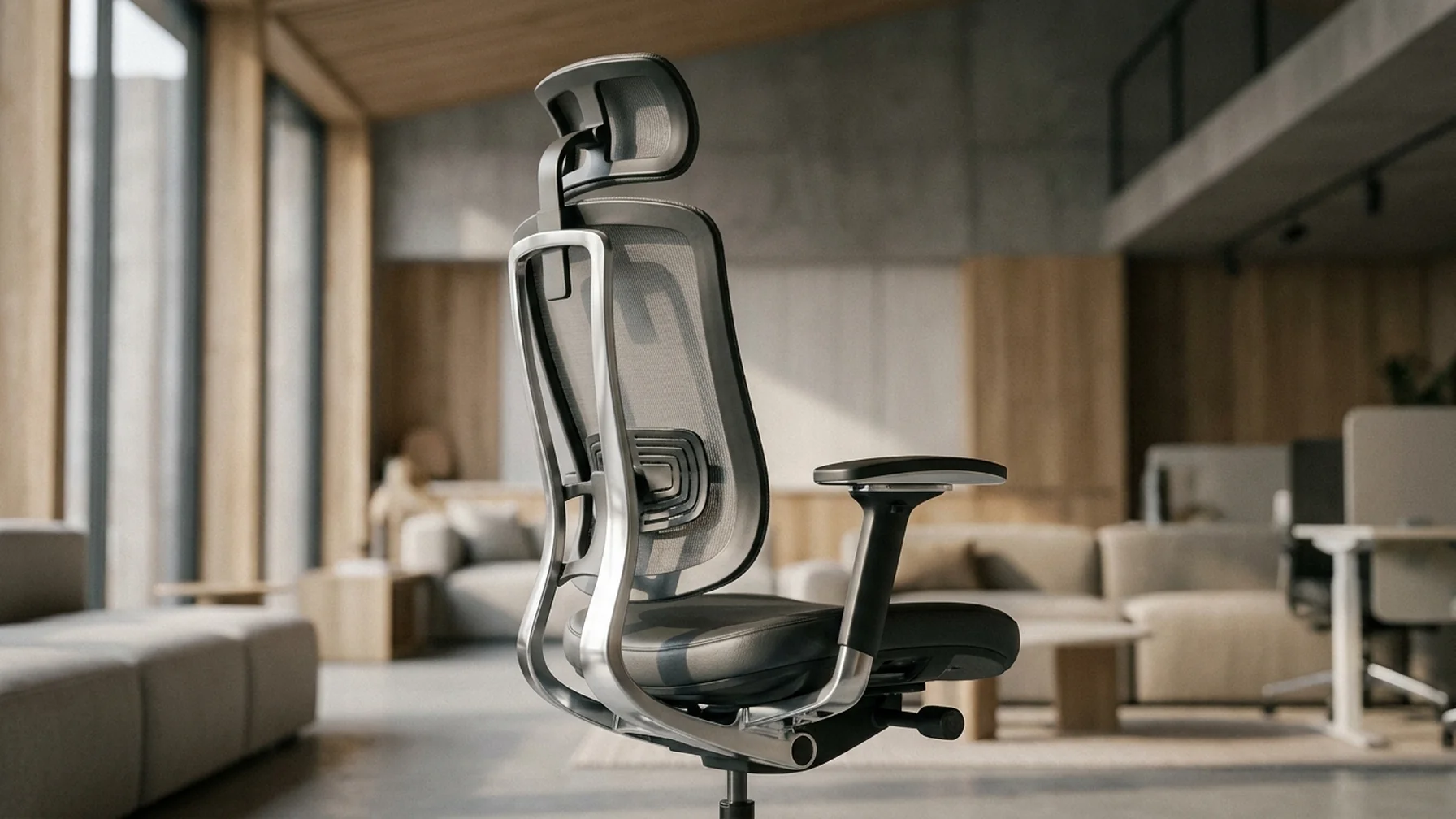
- Neck Pain: Look for a chair with a high backrest and adjustable headrest.
- After Spinal Surgery: Consult with a healthcare professional for specialized ergonomic options.
- Tall People: Select chairs with higher backrests and deeper seats.
- Short People: Consider chairs with height-adjustable footrests for added comfort.
Finding the right chair tailored to your specific needs can make a significant difference in comfort and health.