Ideal Chairs for Remote Work: A Comprehensive Guide
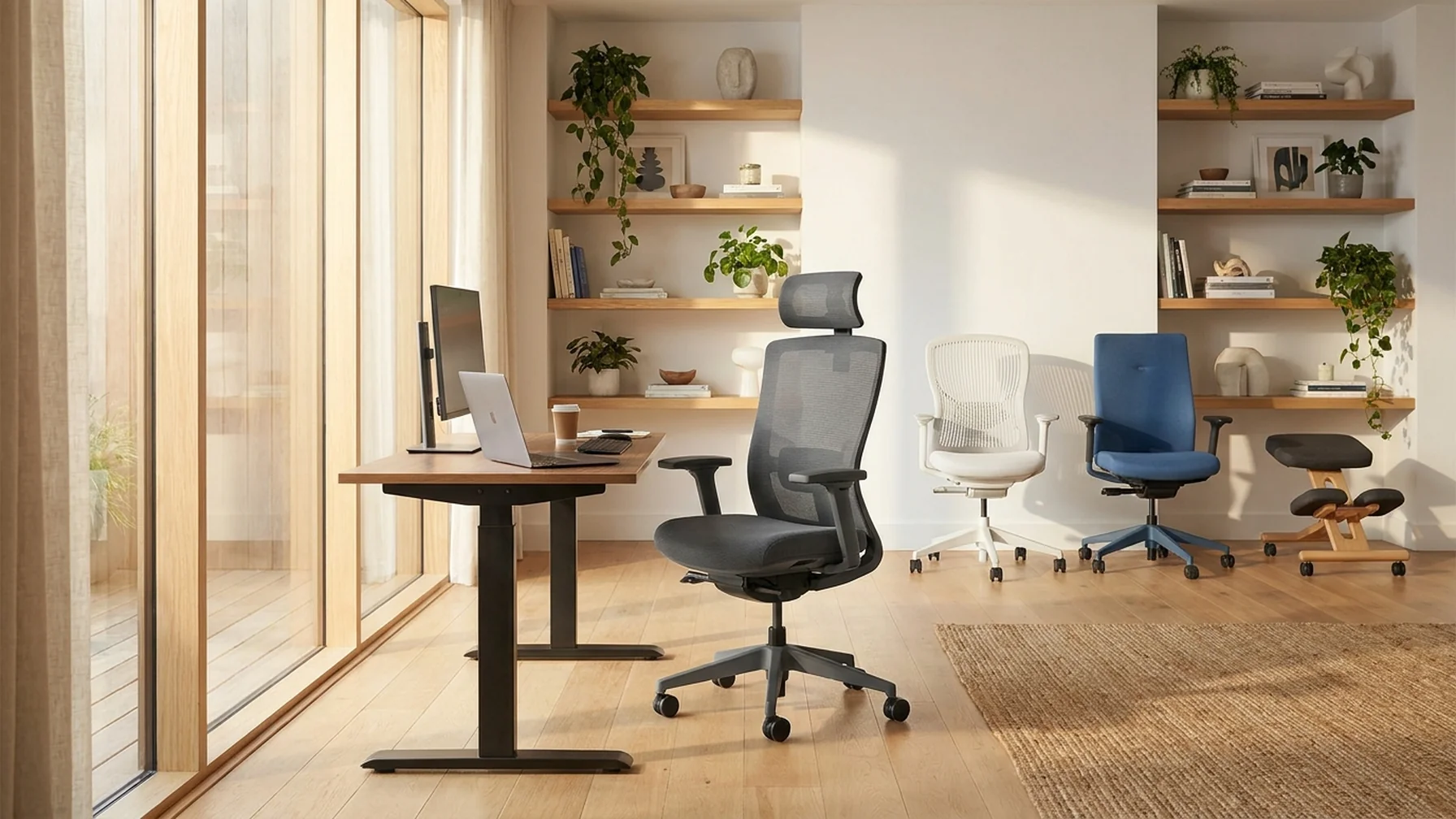
Remote work has become a mainstay for many, highlighting the importance of selecting an ideal chair for comfort and productivity. Whether dealing with back pain, adjusting to a new desk, or seeking the perfect seating, choosing the right chair can make a significant difference. This guide explores various aspects of selecting the best chair for remote work, tailored to your specific needs.
Best Office Chair for Lower Back Pain
Lower back pain is a common issue for remote workers spending extended hours seated. An ergonomic office chair with lumbar support can alleviate this discomfort. Look for chairs with adjustable height, backrest, and seat depth to ensure proper spinal alignment. A chair with a waterfall seat edge can also help reduce pressure on the thighs.
Choosing an Ergonomic Chair
When selecting an ergonomic chair, focus on features that enhance posture and comfort. Consider these key adjustments and materials:
- Adjustable lumbar support for the lower back
- Height-adjustable arms to reduce shoulder strain
- Seat depth adjustment for better leg comfort
- Tilt tension control for reclining flexibility
- Breathable material, like mesh, for enhanced airflow
To ensure you choose the right chair, follow these steps:
- Identify your specific needs based on work habits.
- Check for adjustability in key areas.
- Assess the material for breathability and durability.
- Test different chairs to find the best fit for your body.
Focusing on these features and steps can help tailor the chair to your body, reducing strain and enhancing comfort during long work sessions.
Recliner vs. Office Chair for Back Support
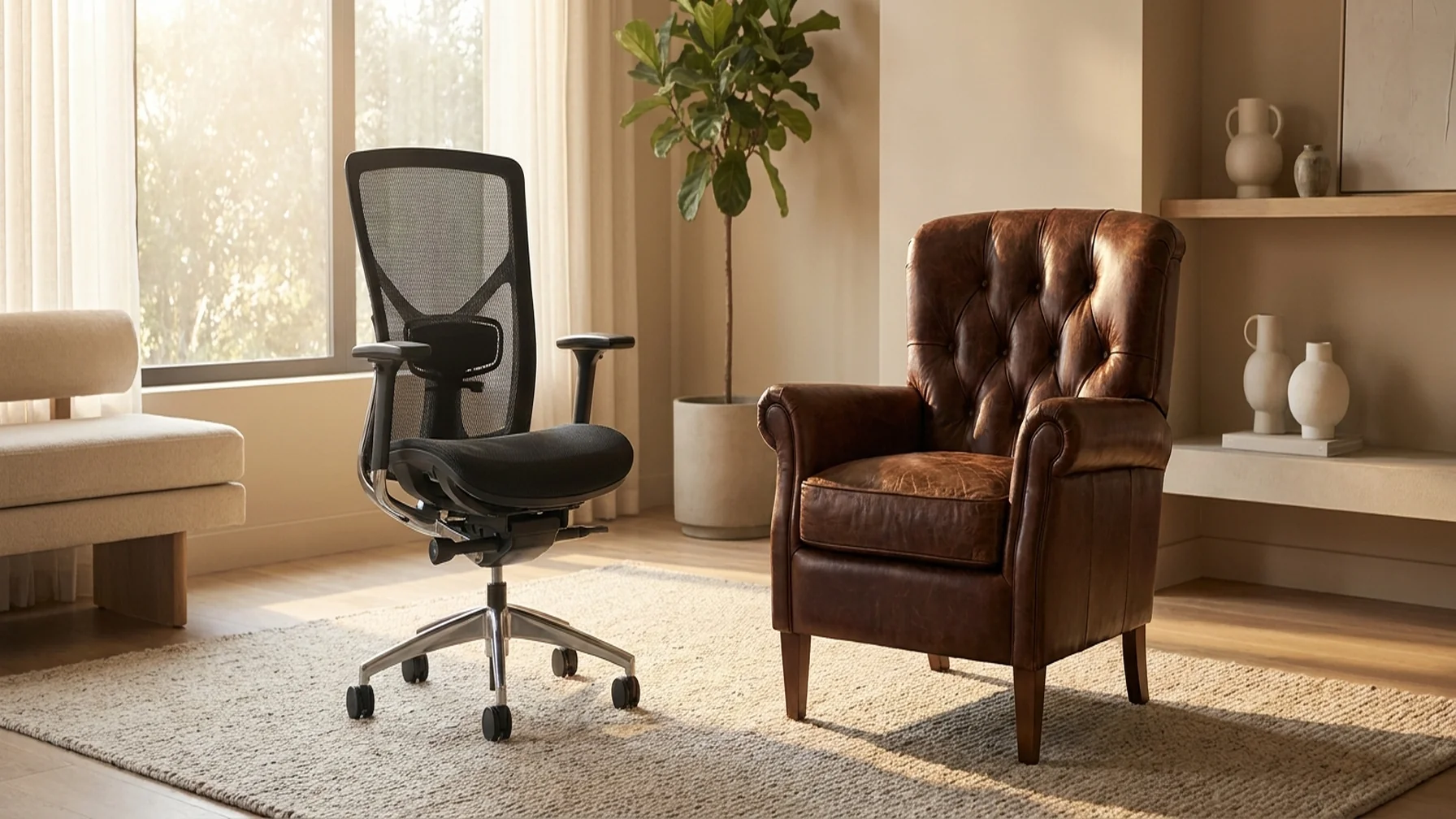
When considering back support, choosing between recliners and office chairs is crucial. While recliners offer comfort with plush seats, they often lack the necessary support for long periods. In contrast, office chairs, specifically designed for desk work, usually offer better lumbar support.
Below is a comparison table highlighting the key features of recliners and office chairs for back support:
Comparison of Recliners and Office Chairs
| Feature | Recliner | Office Chair |
|---|---|---|
| Comfort | High | Moderate |
| Lumbar Support | Low | High |
| Adjustability | Limited | High |
| Prolonged Use | Not Recommended | Recommended |
Consider your work habits and preferences when choosing between a recliner and an office chair. Here is a simple guide to help you decide:
- Assess how long you plan to sit each day.
- Determine if lumbar support is a priority for you.
- Evaluate the space available in your work area.
- Decide if you prefer adjustability over plush comfort.
By examining these aspects, you can make a more informed choice that aligns with your comfort and health needs.
Ideal Chairs for Remote Work
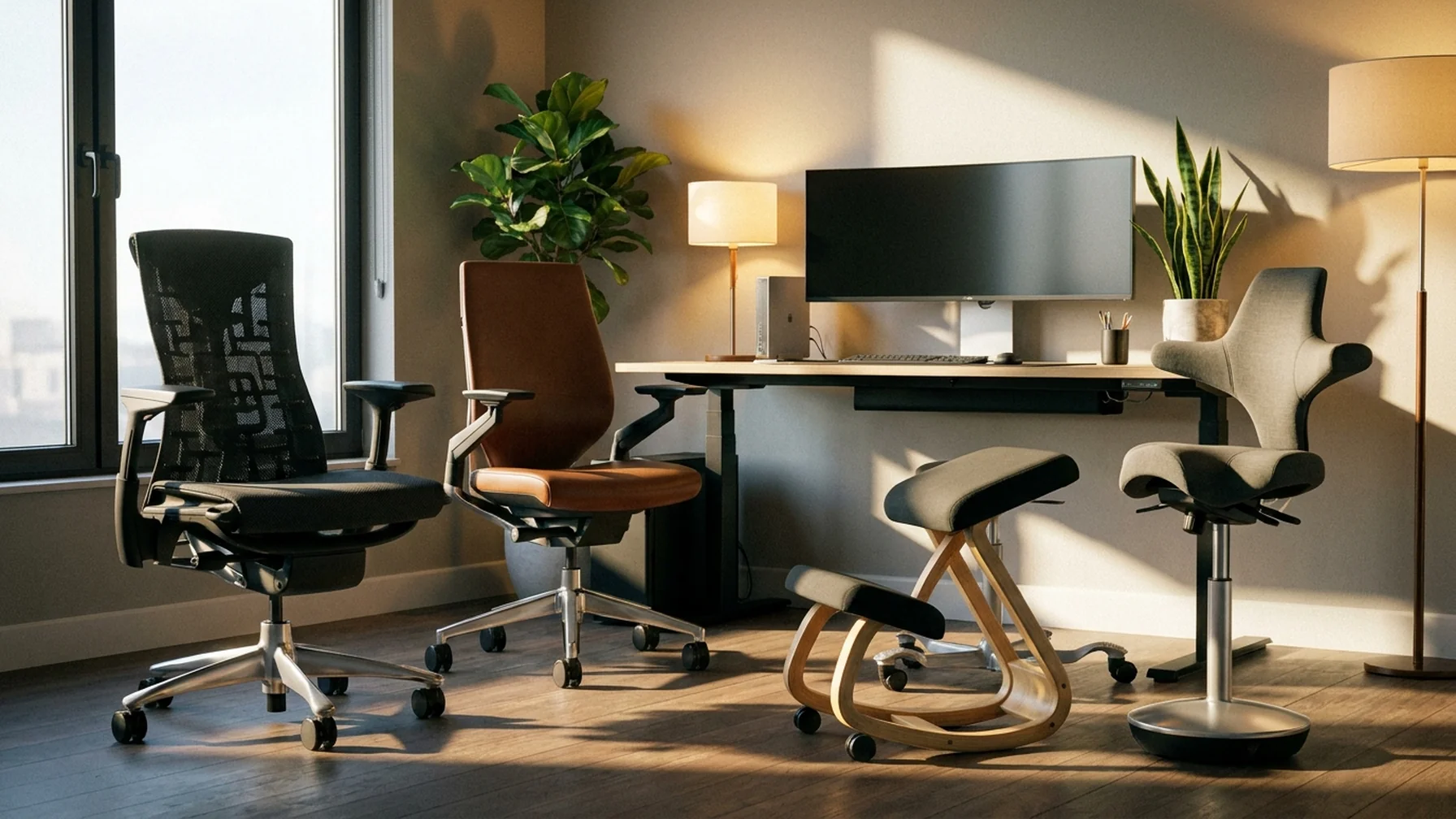
Choosing the right chair for remote work can significantly enhance your comfort and productivity. The following table highlights some of the ideal chairs available for telecommuters.
Popular Chair Models for Remote Work
| Chair Model | Key Features |
|---|---|
| Herman Miller Aeron | Ergonomic design, adjustable settings, breathable mesh |
| Steelcase Leap | Excellent lumbar support, flexible backrest, seat depth adjustment |
| Secretlab Titan Evo | Memory foam padding, adjustable armrests, durable fabric |
| Branch Ergonomic Chair | Affordable, good lumbar support, simple adjustments |
| Flexispot Ergonomics Chair | Height adjustable, versatile design, mesh back |
This table illustrates various chair options suited for remote work, helping you make an informed decision based on features that cater to comfort and functionality. Selecting the right chair can lead to improved posture, reduced fatigue, and a more enjoyable work-from-home experience.
Office Chair vs. Gaming Chair
Both office and gaming chairs have their merits. Office chairs are designed for ergonomics and prolonged sitting, while gaming chairs offer additional cushioning and style. If your remote work involves long hours at the desk, an office chair might be more suitable. However, if you prefer a more relaxed style with added lumbar support, a gaming chair could be a good choice.
Mesh vs. Leather Office Chair
The choice between mesh and leather office chairs often depends on personal preference and climate. Mesh chairs offer breathability, ideal for warmer environments, while leather chairs provide a classic look and are easier to clean. Consider your workspace conditions and maintenance preferences when choosing between the two.
Signs You Need a New Office Chair
Recognizing when it's time for a new office chair can prevent discomfort and potential health issues. Signs include persistent squeaking, visible wear and tear, and decreased comfort despite adjustments. Investing in a new chair can enhance your work environment and productivity.
How to Relieve Back Pain While Sitting
Relieving back pain while sitting involves using a chair with proper lumbar support and taking regular breaks. Consider using a footrest to reduce leg strain, and adjust your sitting posture frequently. Incorporate standing or stretching intervals to alleviate pressure on your spine.
Best Recliner for Sleeping
If you're inclined to sleep in your chair, a recliner with plush cushioning and adjustable reclining angles can provide comfort. Look for models with built-in lumbar support and easy adjustability to ensure a restful experience.
Choosing the ideal chair for remote work involves considering personal needs and preferences. Whether it's addressing back pain, enhancing productivity, or ensuring comfort, the right chair can transform your work-from-home experience.